

⭐ #1 Free Arabic Calligraphy Generator Online
Free Arabic Calligraphy Generator Online
Type your text, pick a style, and download studio-quality Arabic calligraphy in seconds — no design experience, no software, no cost.
Built for designers, social content, logos, tattoos, wedding stationery, and Islamic art.
- 17+ Kufic, Naskh, Thuluth & Diwani-inspired styles
- No Registration or Download Required
- Free PNG & SVG export, no watermark
Users Worldwide
No Hidden Costs
What an Online Calligraphy Generator Actually Does
A browser-based calligraphy generator applies digital fonts and design controls to the text entered by the user.
It may allow you to:
- Enter Arabic, Urdu or Persian text
- Compare several font styles
- Change the text size
- Select text and background colours
- Apply available visual effects
- Preview changes immediately
- Export the design as an image or vector file
This is different from traditional calligraphy.
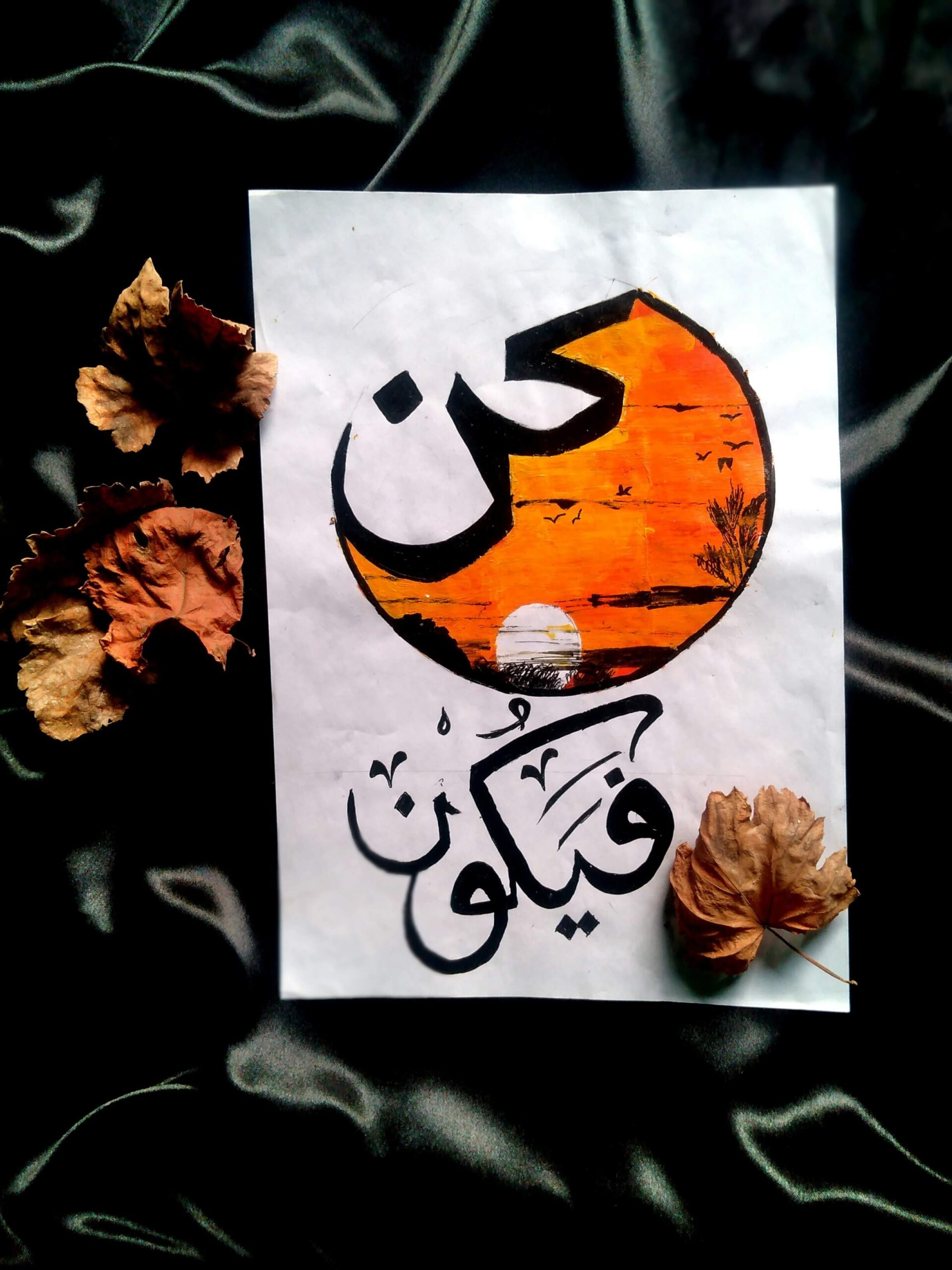
Traditional calligraphy is individually composed by an artist using specific scripts, proportions, tools and techniques. A generator provides digital typography inspired by those visual traditions. It is useful for exploration and everyday design, but it should not be presented as hand-drawn work.
Step 1: Prepare the Text Carefully
The quality of the design begins with the text itself.
Before entering anything into the generator:
- Confirm the spelling.
- Remove unnecessary spaces.
- Check punctuation direction.
- Confirm the preferred Arabic spelling of names.
- Verify any Harakat.
- Use an authoritative source for Quranic or religious text.
Avoid copying text from poorly formatted PDF files, social media images or applications that introduce hidden characters.
When possible, paste the text into a plain-text editor first and then copy it into the generator.
Step 2: Enter or Paste the Arabic Text
Enter the phrase into the generator and check the basic text before selecting visual effects.
Look for:
- Missing letters
- Disconnected characters
- Incorrect right-to-left order
- Unexpected boxes or symbols
- Punctuation displayed on the wrong side
- Diacritics that have disappeared
A problem visible in the basic text will normally remain in the downloaded design.
Step 3: Compare Several Font Styles
Do not select a font based only on its name or on one decorative letter.
Preview the entire phrase in several styles.Naskh-inspired fonts
Kufic-inspired fonts
Diwani-inspired fonts
Ruqaa-inspired fonts
Nastaliq fonts
Modern display fonts
Step 4: Check Letter Connections
Arabic characters change shape according to their position within a word.
After selecting a font, zoom in and examine:
- The beginning of each word
- Connected middle letters
- Final letter shapes
- Lam–Alif combinations
- Ligatures
- Letters beside diacritics
- Words containing less-common characters
Switch to another font when characters appear broken, collide with one another or become difficult to recognize.
Step 5: Inspect Harakat Separately
A font that supports Arabic letters does not automatically position every diacritic perfectly.
Test Fatha, Kasra, Damma, Sukun, Shadda and Tanween where applicable.
Pay special attention to:
- Shadda combined with another mark
- Marks below the baseline
- Multiple marks in a short word
- Diacritics close to tall letters
- Marks near line breaks
- Marks that may be cropped during export
When working with sacred or formal text, compare the complete generated design with an authoritative original.
Popular Use Cases of Arabic Calligraphy Generator
Personal Projects
Names, quotes, and short phrases for gifts, keepsakes, or personal artwork.
Religious Content
Bismillah, Alhamdulillah, and other duas and Islamic phrases — each has its own dedicated generator page built around getting the diacritics and letter shaping right:
- Bismillah
- Alhamdulillah
- Ayat and duas
Graphic Design
Branding, posters, and digital artwork where Arabic typography needs to look intentional rather than decorative.
- Branding
- Posters
- Digital artwork
Social Media Content
Eye-catching Arabic typography for Instagram, Pinterest, and Facebook posts.
Arabic Calligraphy Generator vs Traditional Calligraphy
| Feature | Digital Generator | Traditional Calligraphy |
|---|---|---|
| Speed | Instant | Time-consuming |
| Skill Required | None | High |
| Customization | High | Limited |
| Accessibility | Online | Offline |
Traditional calligraphy remains a serious art form in its own right — a generator like this one is the practical choice when you need something quickly and don’t require hand-drawn work.
Frequently Asked Questions
- Get quick answers about Arabic text generation, Arabic name calligraphy, khat styles, and how to use our Arabic calligraphy generator online.
Is this Arabic Calligraphy Text Generator free?
Can I use it for commercial purposes?
Does it support all Arabic words?
Yes — full Arabic Unicode input is supported.
Can I generate Islamic phrases like Bismillah?
Yes — Bismillah and other common phrases are supported directly, with full Harakat.